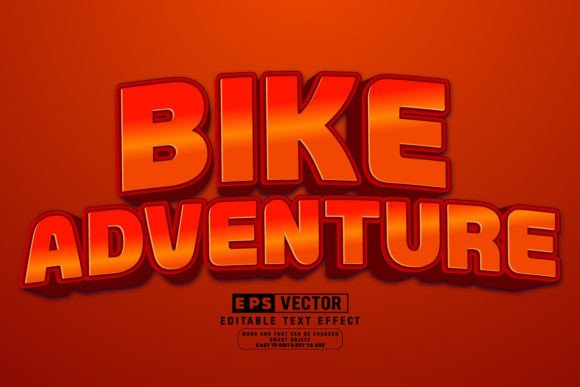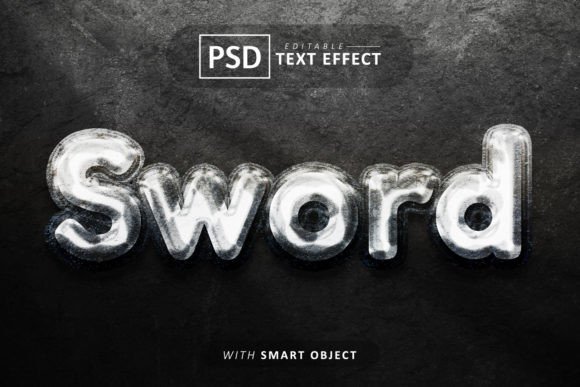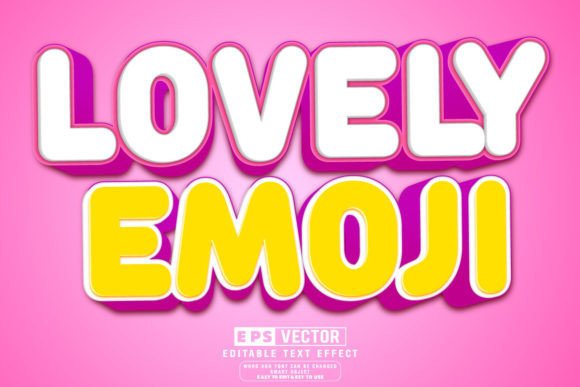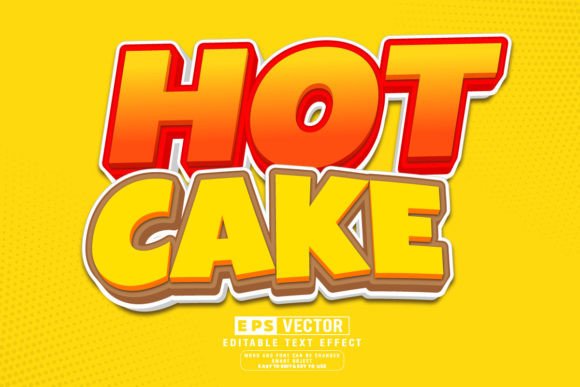
Unlocking Visual Impact: A Guide to Editable 3D Text Effects and Smart Object PSDs
In the fast-paced world of digital design, first impressions are often made within seconds. Whether you are creating a YouTube thumbnail, designing a business card, launching a social media campaign, or building a website header, typography plays a pivotal role in capturing attention. While standard flat text serves a purpose, 3D text effects add depth, dimension, and a professional polish that can elevate a project from amateur to expert. However, creating these effects from scratch in software like Adobe Photoshop can be time-consuming and technically demanding. This is where editable 3D font effect templates and Smart Object PSD files revolutionize the workflow for designers of all skill levels.
Understanding the Power of Smart Objects
To truly appreciate the value of a text effect PSD, one must first understand the technology behind it: Smart Objects. In traditional image editing, rasterizing text or applying filters directly to a layer often makes changes permanent and difficult to reverse. If you make a spelling error or want to change the font family after applying complex lighting and shadow effects, you might have to start over.
Smart Objects solve this problem by acting as a container. They preserve an image's source content with all its original characteristics, enabling you to perform non-destructive editing. When you download a template featuring 100 easily editable text effects, you are essentially downloading a pre-built engine. The complex lighting, textures, shadows, and 3D extrusions are already calculated and organized. Your job is simply to swap the content inside the container. This ensures that no matter how many times you resize the object or change the text, the quality remains crisp and the effects remain consistent.
Why Editability Matters in Modern Design
The modern creative landscape demands speed without sacrificing quality. Clients often request last-minute changes, and marketers need to A/B test different headlines rapidly. A template that offers well-organized layers and full editability fits seamlessly into this dynamic environment. Instead of spending hours rendering a 3D scene, a designer can update the text in seconds.
Consider a scenario where a marketing team needs to produce a series of promotional banners for a holiday sale. Using a high-quality commercial use font template, they can instantly swap "Summer Sale" to "Winter Clearance" while maintaining the exact same golden metallic texture and dramatic lighting. This consistency builds brand recognition, while the efficiency saves valuable billable hours.
Key Features of High-Quality Text Templates
Not all templates are created equal. When searching for the best resources, look for specific features that guarantee ease of use and professional results. A premium collection of 100 editable text and fonts should offer more than just a pretty preview; it should provide a robust framework for creativity.
- Easy to Edit: The primary advantage is simplicity. Double-clicking a smart object layer should open a new window where you can type your desired text. Once saved, the main document updates automatically.
- Well-Organized Layers: A chaotic file structure is a designer's nightmare. Top-tier PSD files group related elements logically, such as separating background textures, lighting overlays, and the text itself. This allows for fine-tuning colors or opacity without breaking the effect.
- Commercial Use Fonts: Legal compliance is crucial. Templates that include or are compatible with commercial-use fonts ensure that your final designs can be used for client work, merchandise, or advertising without licensing issues.
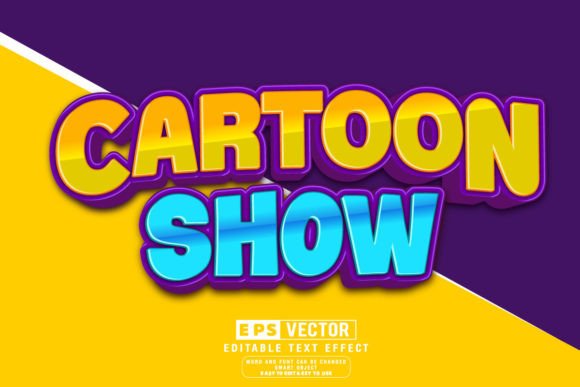
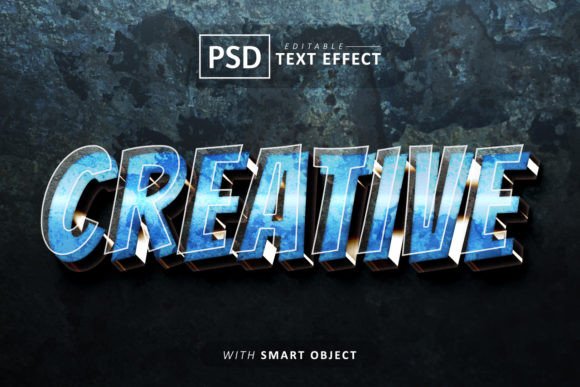
- High-Quality Unique Design: Avoid generic looks. The best templates offer unique styles ranging from retro neon and chrome metal to soft pastel 3D and grunge textures, ensuring your work stands out.
- Scalability: Because these effects rely on vector-based smart objects or high-resolution raster data, all objects can be resized without losing their quality. This is essential for adapting a design from a small social media icon to a large format print banner.
Versatility Beyond Text: Logos and Icons
While the primary function of these tools is typography, their utility extends far beyond letters. The prompt mentions that you can "replace it with a logo or according to what you want." This is a critical insight for versatile designers. Since the Smart Object accepts any image data, you can apply these stunning 3D effects to logos, icons, or even product mockups.
For instance, imagine you have a flat vector logo for a new startup. By placing this logo into a Smart Object Included PSD file designed for gold lettering, your flat logo instantly transforms into a luxurious, three-dimensional emblem complete with realistic reflections and ambient occlusion. This capability allows businesses to visualize their branding in various contexts before committing to physical production or final digital assets.
Bridging the Gap for Beginners and Pros
One of the most significant benefits of using editable 3D font effects is the democratization of high-end design. Historically, creating realistic 3D text required mastery of complex software suites or dedicated 3D modeling programs. Today, a beginner with basic knowledge of Photoshop can achieve results that rival those of seasoned professionals.
For the experienced reader or professional designer, these templates serve as powerful time-savers. They provide a solid foundation upon which further customization can be built. A pro might take a base template, adjust the blending modes, add custom noise textures, or integrate it into a larger composite image. For the beginner, it is an educational tool. By examining the well-organized layers of a professional PSD, novices can learn how lighting, shadows, and gradients interact to create depth.
Practical Applications in Daily Life and Business
The relevance of these tools spans across various sectors:
- Social Media Management: Engaging posts with eye-catching 3D titles stop the scroll. Templates allow managers to create consistent visual themes for stories and reels.
- E-Commerce: Product badges like "Best Seller" or "New Arrival" look more convincing with depth and texture, potentially increasing click-through rates.
- Education: Teachers and educational content creators can make learning materials more engaging by using fun, colorful 3D text for headings and key concepts.
- Gaming and Streaming: Streamers often need dynamic overlays and alerts. 3D text effects help create a unique channel identity that feels immersive.
Common Misunderstandings and Clarifications
Despite their popularity, there are common assumptions about these templates that need clarification. First, some users believe that "editable" means they can change the 3D angle or lighting direction freely. While you can often tweak color overlays, the fundamental geometry and light source are usually baked into the design to ensure aesthetic integrity. To change the angle significantly, one would typically need a true 3D software suite, not just a 2D PSD template.
Secondly, there is a misconception regarding file formats. These templates come as PSD files (Photoshop Document) and often include a JPEG preview for quick viewing. It is important to remember that to utilize the editing features, you must have access to Adobe Photoshop or a compatible editor that supports Smart Objects. You cannot edit the text directly within the JPEG preview.
Conclusion: Elevating Your Creative Workflow
In conclusion, Creative Text - Editable 3D Font Effects represent a convergence of artistic flair and technical efficiency. By leveraging Smart Objects and well-organized layers, designers can bypass the steep learning curve of 3D rendering while delivering high-impact visuals. Whether you are replacing text, swapping in a logo, or experimenting with different commercial fonts, these templates offer the flexibility needed in today's diverse digital ecosystem.
The ability to resize objects without quality loss and the convenience of having 100 unique designs at your fingertips make these resources indispensable. They empower users to focus less on the mechanics of creation and more on the message they wish to convey. As technology continues to evolve, tools that simplify complexity while enhancing creativity will remain at the forefront of successful design strategies. Embracing these editable assets is not just about saving time; it is about unlocking a broader potential for visual storytelling in your personal and professional projects.